
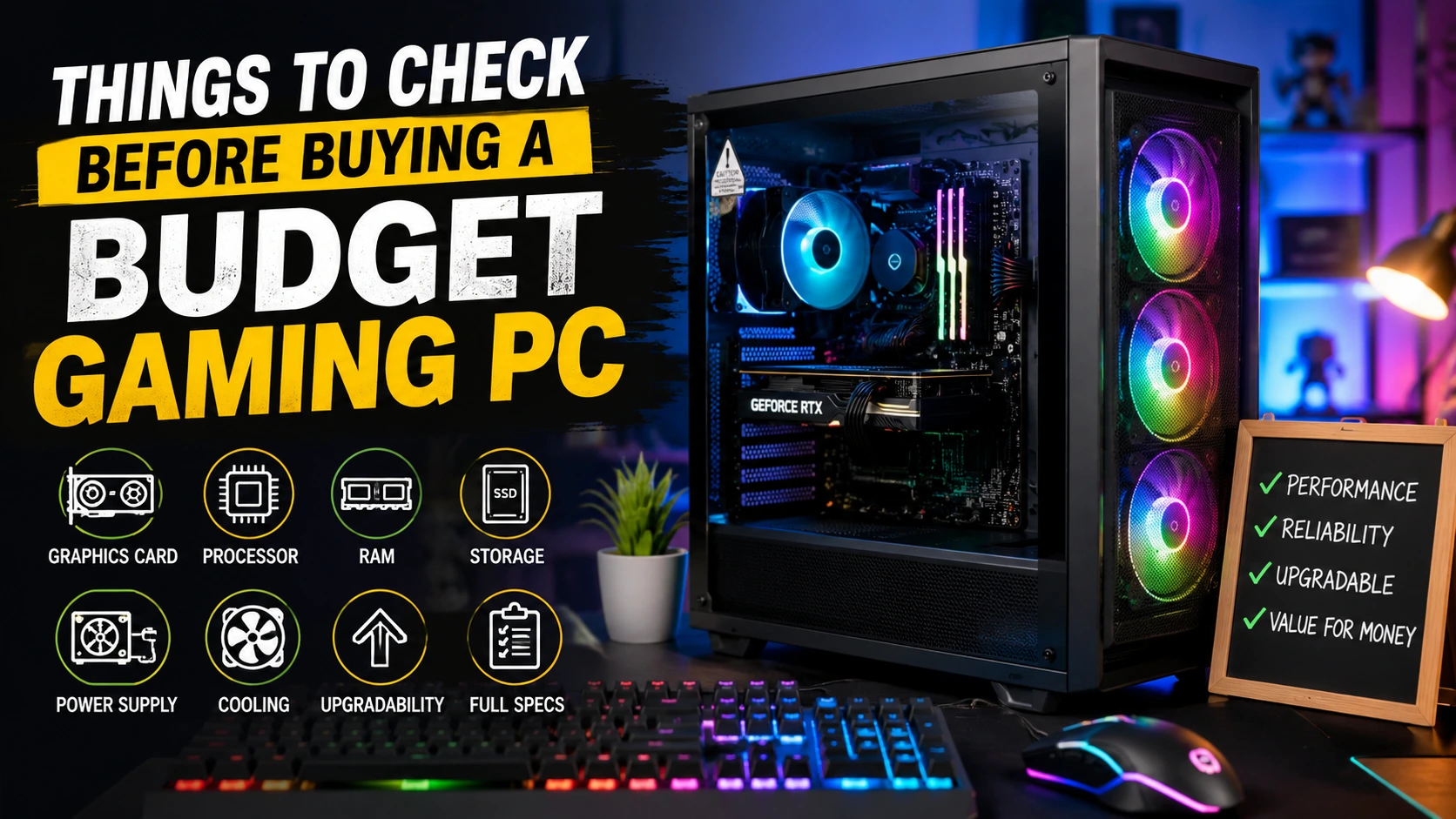
So, you don’t need to compromise on performance if you have a limited budget to purchase your gaming PC. The difficulty is identifying where your money is needed and where it is not going to help, and avoiding systems that seem great on paper but don’t work in real games.
If the parts of a cheap gaming computer are carefully chosen and balanced with each other, if the parts are upgradable, and if the specifications are in line with the type of games you enjoy playing, these types of gaming computers can be a very good value.
Check the Graphics Card First
The graphics card is one of the key components in a computer that determines the gaming experience. Don’t just consider the amount of graphics memory, but rather the type of GPU that’s installed. Two graphics cards that have the same amount of total memory cannot be the same.
Take into account the games you’re playing and the resolution you would like to use. A high-quality graphics card can make systems with moderate CPUs and memory look better and run more smoothly.
Look at the Processor and RAM
The performance of the processor also influences the performance of games, especially those that require extensive CPU processing power. A high-end processor isn’t always the best deal to go with a lower graphics card.
With most of the current gaming systems, investing in 16GB of RAM is a good idea to begin with. Review the computer to see if the configuration can be upgraded. Accessible RAM slots will allow for future upgrades to be easier and more cost-effective.
Don’t Ignore Storage
Storage is more than the number of games you install. An SSD will boot faster and load games quicker than an older mechanical hard drive. When comparing cheap gaming PCs, check both the type and capacity of the storage drive.
If you use a large game often, you might find a small SSD becomes limiting. If there is any more storage in the system or expansion slot available, then this can be beneficial without having to upgrade the system immediately.
Check the Power Supply and Cooling
These are easy to overlook, because they are not directly responsible for frame rates. A proper power supply is necessary for normal operation or future expansion, however. Look at its rated capacity, quality, and connectors offered for the hardware installed.
Check for proper ventilation, CPU cooling, and sufficient vents in the case. If your system is not equipped to handle heat properly, it could start to have trouble during heavy gaming sessions, resulting in a drop in performance or component stress.
Review the Full System Specification
Avoid purchasing according to the headline of the product, e.g., powerful gaming PC or high-performance graphics. Read the complete specification carefully. Be sure to verify the exact CPU, GPU, RAM configuration, storage, motherboard, operating system, and warranty.
Be aware of and seek out sellers who are reputable and make it easy to see the components it includes. It’s easier to compare systems and easier to avoid finding that an important part of the system is not as good as you anticipated.