


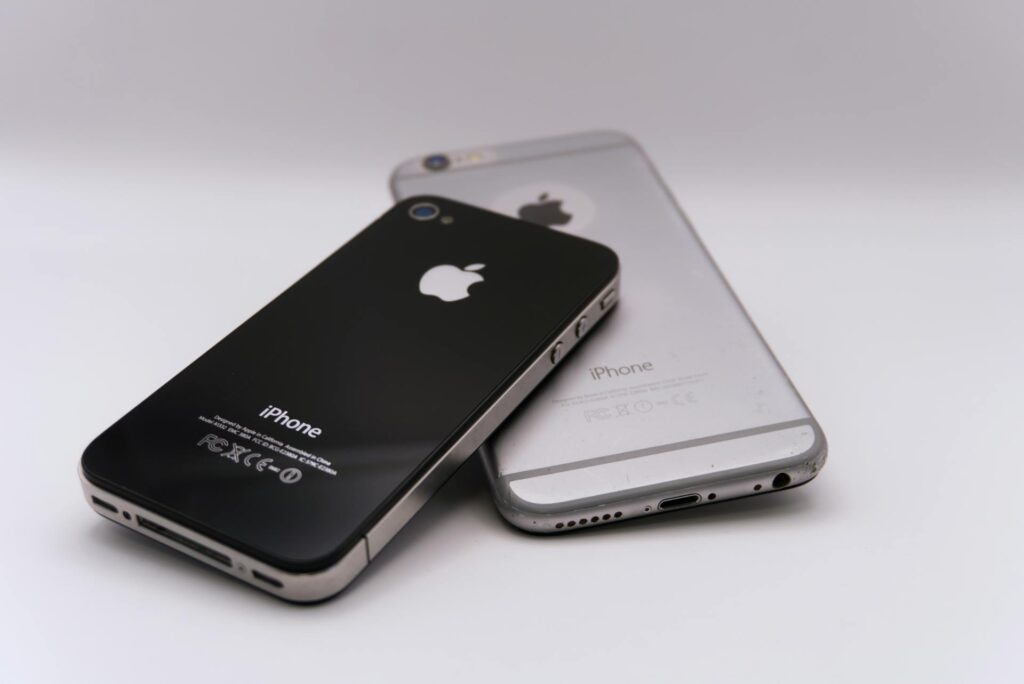
Saving hundreds on a premium device is genuinely possible, but only if you know exactly what to look for before handing over your money.
A refurbished flagship can be one of the smartest tech purchases. You get premium hardware, such as a brilliant display, a top-tier camera system, and flagship processing power, at a fraction of the original price. However, the refurbished market is a minefield if you don’t know what you’re doing. Here’s how to walk away with a bargain rather than a brick.
First, Decode the Grading System
Before you even look at specs or price on a Refurbished iPhone 16, you need to understand what “refurbished” actually means for that particular seller. Grades like A, B, and C or labels like “Excellent,” “Good,” and “Fair” sound intuitive, but every retailer defines them differently. One seller’s Grade B is another’s Grade C. Read the fine print carefully, and don’t assume cosmetic descriptions cover functional testing too. A phone can look pristine and still have a failing battery or a broken sensor.
Battery Health is the Hidden Cost Nobody Warns You About
This is the one that catches people off guard. Smartphone batteries degrade with every charge cycle, and a two-year-old flagship could easily be sitting at 75% capacity. On an iPhone, you can check this under Settings > Battery > Battery Health & Charging — anything below 80% means the battery is noticeably worn. Android varies by manufacturer, but many include a health checker in settings or via a diagnostic code. A replacement battery costs money and effort, so factor that into your total price before committing.
Give the Screen an Honest, Hard Look
The display is the part of the phone you interact with constantly, so it deserves serious scrutiny. OLED screens. found on most modern flagships, are prone to burn-in: ghostly outlines of navigation bars or status icons baked permanently into the panel. It often only becomes visible on grey backgrounds, so don’t just glance at the home screen. Look for dead pixels, delamination around the edges, and hairline cracks that can be invisible under shop lighting. If you’re buying online, demand detailed photos in natural daylight. Any of these defects is expensive to fix, often more than you saved on the device.
Run an IMEI Check Every Single Time
This takes two minutes and can save you from a completely useless purchase. The IMEI is a 15-digit code unique to every handset; find it by dialing *#06# or in the phone’s settings. Run it through your carrier’s website or a third-party checker like IMEI.info to confirm it hasn’t been reported lost or stolen, and that it’s either unlocked or compatible with your network. A blacklisted phone won’t activate on any carrier. There’s no workaround. It’s a paperweight.
Make Sure the Previous Owner is Completely Gone
This sounds obvious, but it’s one of the most common traps in the refurbished market. If an iPhone still has the previous owner’s Apple ID associated with it, Activation Lock will prevent you from setting it up. The same applies to Android’s Factory Reset Protection. Always ask the seller to confirm that all accounts have been removed, and verify it yourself as soon as the device arrives. If a seller is evasive about this, that’s your cue to walk away.
Certified refurbished programs from Apple, Samsung, and major carriers offer the strongest protections; these devices are tested to a published standard and typically come with a warranty. Specialist resellers like Back Market and Swappa sit a tier below but still carry meaningful buyer protections. Unverified private sellers are a different category entirely: higher risk, lower price. If you go that route, insist on meeting in person and don’t leave until you’ve tested everything on this list.