
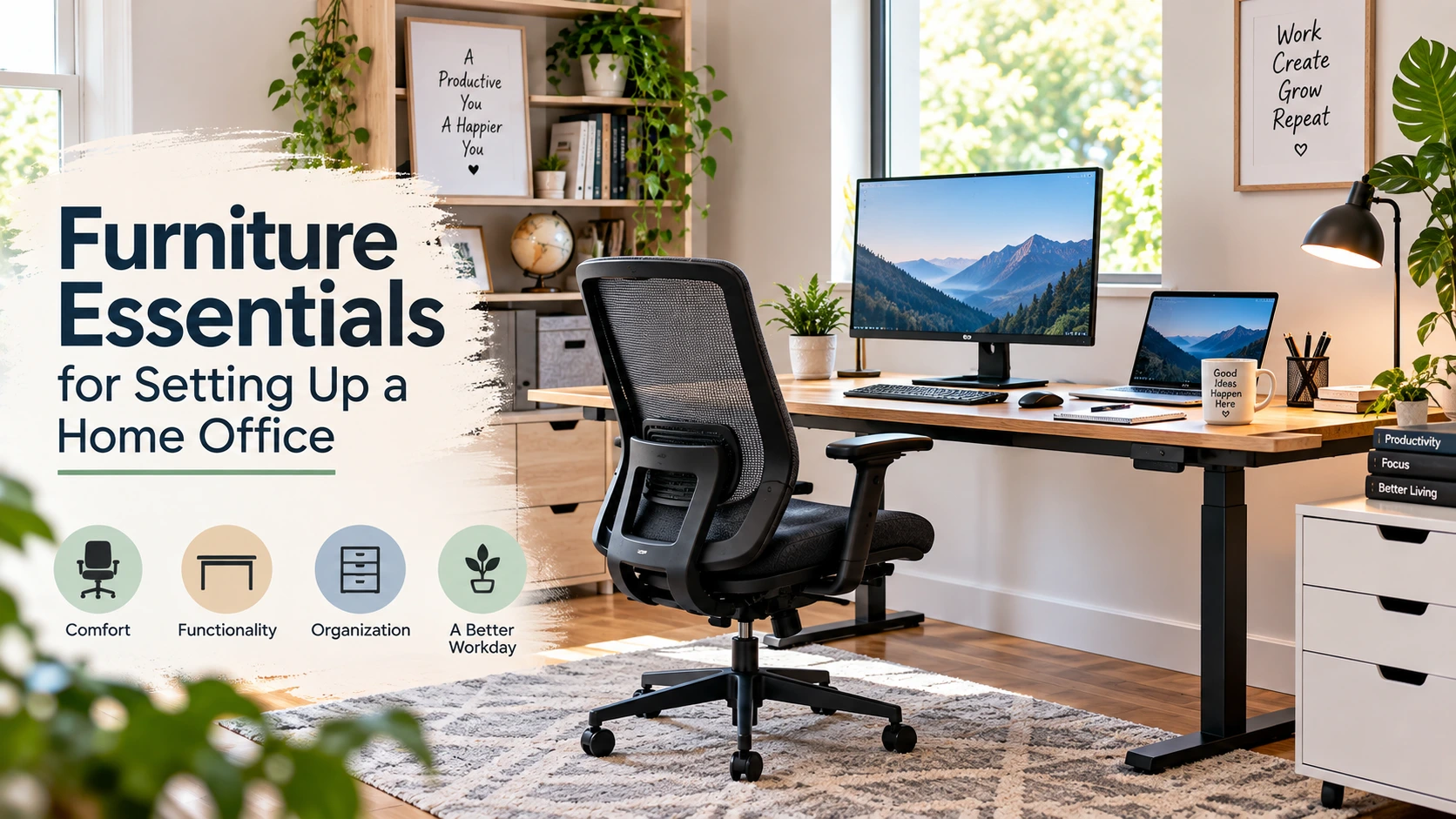
Working from home can be convenient, but having a comfortable and well-organized workspace can make a big difference to your daily routine. Whether you are a remote employee, freelancer, consultant, or run your own business, a dedicated home office can help separate work time from personal time.
You do not need an expensive room filled with traditional commercial office furniture to create a productive workspace. The right combination of a comfortable chair, suitable desk, practical storage, and a few well-chosen accessories can turn even a small area of your home into an effective office.
So, what furniture do you actually need for a home office?
Furniture is one of the best places to start. However, typical commercial office furniture is not always the best choice for a residential workspace. Home offices often need furniture that fits a smaller space, blends with the rest of the home, and can be adjusted to suit the way you work.
Why Is It Important to Set Up a Home Office?
One of the biggest challenges of working from home is dealing with distractions.
Unlike a traditional office, your home has plenty of competing demands. You may need to answer the door, take care of household responsibilities, look after children or pets, or deal with other interruptions during the day.
A dedicated workspace can help create a clearer boundary between your professional and personal life. When you consistently use the same area for work, it becomes easier to establish a routine and signal to yourself and others that you are working.
The physical setup is only one part of working effectively from home. It also helps to create boundaries like fixed working hours, reduce unnecessary interruptions, and maintain a clear distinction between work and personal time.
Here are a few simple habits that can make a home workspace more productive:
- Work during the hours when you are most focused and productive.
- Take regular breaks and step away from your computer when possible.
- Set clear boundaries with family members or housemates during working hours.
- Start your workday with a consistent routine instead of continually putting tasks off.
- Create realistic work habits and follow them consistently.
- Set a clear finishing time so working from home does not turn into working all day.
What Are the Essentials for Setting Up a Home Office?
Once you have chosen an area for your home office, the next step is selecting furniture that fits both your space and your working style. You do not necessarily need to spend a large portion of your monthly income creating the perfect office.
Start with the furniture that affects your comfort and organization most. You can then add accessories and upgrades as your needs change.
1. Ergonomic Chair
If you spend several hours working at a computer, your chair deserves careful consideration. A poorly fitted chair can encourage awkward sitting positions and become uncomfortable during a long workday.
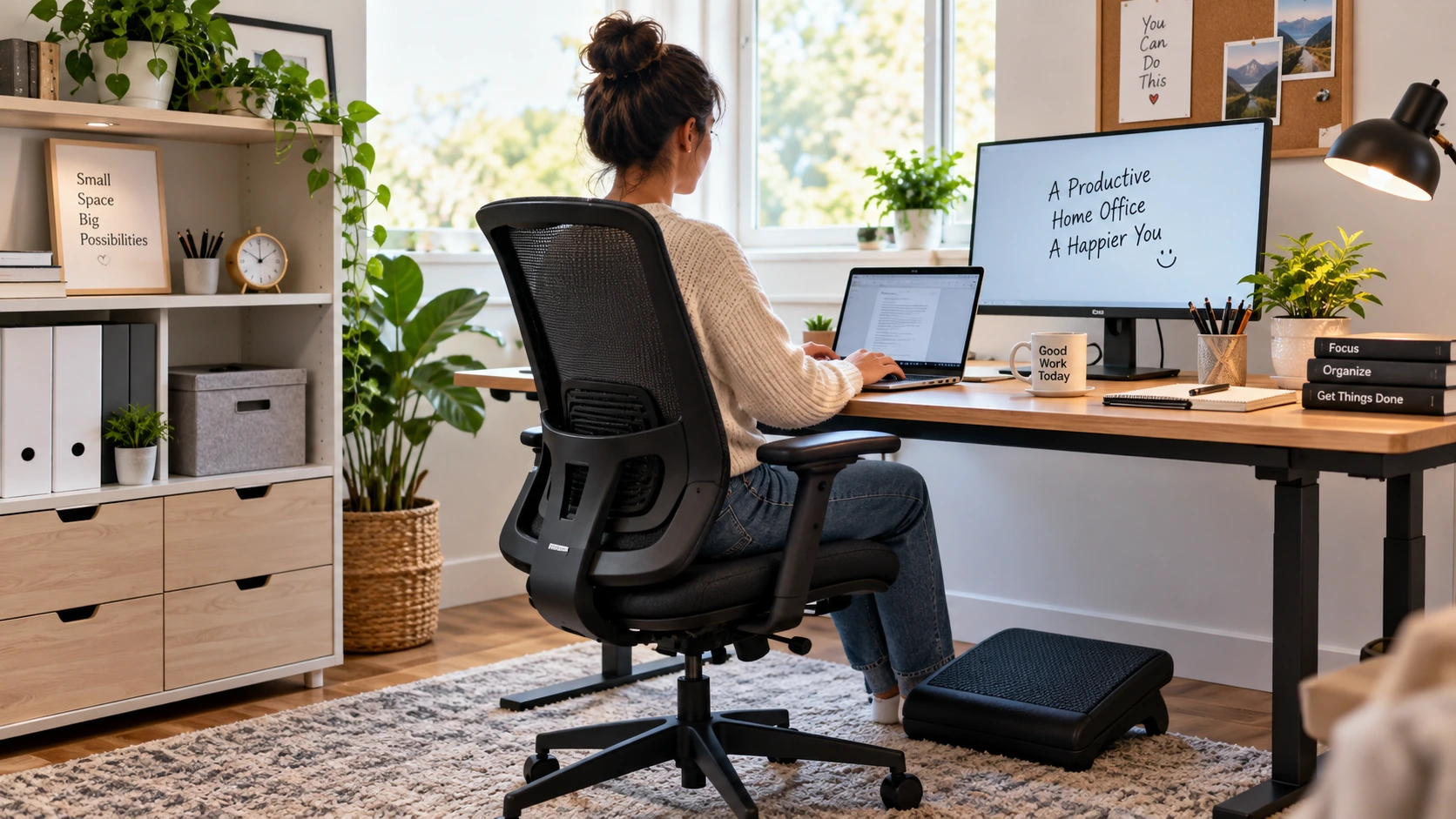
Instead of choosing a chair simply because it looks good, look for adjustability and support. Useful features can include adjustable seat height, lumbar support, a suitable seat depth, and armrests that allow your shoulders to remain relaxed. OSHA also recommends choosing a chair that provides appropriate support and can be adjusted to fit the individual user.
Your feet should be comfortably supported, either on the floor or on a suitable footrest. The goal is not to force yourself into one rigid posture but to create a workstation that allows you to change positions comfortably throughout the day.
2. Height-Adjustable Table
After choosing a suitable chair, the desk is the next major consideration. A height-adjustable table can be particularly useful because it allows you to alternate between sitting and standing instead of remaining in one position for the entire workday.
A height-adjustable table can also be useful for meetings, reading, or short tasks when you want to stand and move around. If you find it uncomfortable to sit for extended periods, having the option to change your working position can make your workspace more flexible.
If you are looking for ideas, this guide to best home office desks can help you compare different desk options.
Regardless of whether your desk is adjustable, make sure there is enough surface space for your monitor, keyboard, mouse, and other frequently used items. OSHA recommends enough desk depth to position a monitor at least 20 inches from the eyes and enough room underneath the desk to allow comfortable leg movement.
3. Storage Cabinet
A tidy workspace is easier to use. If paperwork, cables, notebooks, and office supplies are scattered across your desk, finding what you need can become unnecessarily difficult.
A cabinet, drawer unit, bookshelf, or compact storage organizer can help keep your working area clear. Choose the option that matches the amount of paperwork and equipment you actually use rather than filling the room with unnecessary storage.
If floor space is limited, wall-mounted cabinets and shelves can provide additional storage without taking up much room. They can be especially useful for keeping important documents and office supplies organized and away from children or pets.
4. Footrest
A footrest is a small addition, but it can be useful if your desk and chair cannot be adjusted independently to give you comfortable leg and foot support.
Your feet should be supported rather than left dangling. If raising your chair to reach the correct desk height leaves your feet unsupported, a stable footrest can help. OSHA specifically identifies a footrest as an option when the chair or desk height makes it difficult to keep the feet properly supported.
5. Laptop Stand or Monitor Stand
If you work primarily from a laptop, consider adding a laptop stand or monitor riser to your home office. Looking down at a laptop screen for long periods can encourage an uncomfortable neck position.
Raising the screen to a more suitable viewing height can help you maintain a more neutral head and neck position. If you use a laptop stand, pairing it with an external keyboard and mouse can make the setup more practical because your hands can remain at a comfortable working height.
OSHA recommends positioning the monitor directly in front of the user at an appropriate height and arranging the keyboard and pointing device so they can be reached without awkward positioning.
6. Small Desk Accessories and Cable Storage
You do not need to buy expensive accessories to keep your workspace organized. A simple cable organizer, desk tray, drawer organizer, or document holder can make a noticeable difference in a small office.
Keep frequently used items within easy reach and move everything else into drawers or storage. This gives you more usable desk space and makes it easier to keep the area organized at the end of the workday.
How to Arrange Your Home Office Furniture
Buying good furniture is only part of creating a comfortable home office. How you arrange it matters too.
- Place the monitor directly in front of you rather than at an awkward angle.
- Keep your keyboard and mouse close enough that you do not have to reach forward.
- Leave enough space under the desk for your legs and feet.
- Keep frequently used documents and equipment within easy reach.
- Keep cables organized so they do not become a distraction or trip hazard.
- Adjust your chair and desk so your shoulders can remain relaxed while you work.
There is no single workstation arrangement that works perfectly for everyone. The most useful setup is one that can be adjusted to your body, equipment, available space, and type of work.
Adopt Work from Home with a Practical Office Setup
Remote and hybrid work have changed the way many people approach their working environment. A survey cited by the Australian Institute of Family Studies reported that almost 67% of respondents were working from home, highlighting how common home-based work had become. You can read the original survey for additional context.
If working from home is likely to remain part of your routine, investing in a practical workspace can be worthwhile. However, that does not mean you need to purchase a complete set of expensive commercial furniture.
Instead, start with the basics. Choose a chair that fits you properly, a desk with enough space, and storage that keeps your work area organized. Then improve the setup gradually based on what you actually need.
You can also repurpose furniture you already own. An unused wooden table may work as a desk, while a small cabinet can become document storage. A sturdy shelf can hold office equipment, and a simple footrest or laptop stand can solve a specific comfort problem without requiring a major investment.
DIY projects can also be a cost-effective way to customize a home office. With some basic tools and a little planning, you may be able to create shelves, storage solutions, laptop stands, or other useful additions that fit your available space.
If you are dealing with a workplace-related issue while working remotely, you may also need to invest in a proper work setup while understanding your rights and responsibilities.
Final Thoughts
A good home office does not have to be expensive or complicated. The goal is to create a workspace that is comfortable, organized, flexible, and suited to the way you actually work.
Start with the furniture that matters most: a supportive chair, a suitable desk, and practical storage. Then consider additions such as a footrest, monitor stand, laptop stand, and cable organizers.
Most importantly, do not treat your furniture as a substitute for movement. Even a well-designed workstation should allow you to change positions, stand up, stretch, and take regular breaks throughout the day.
With a few thoughtful choices, you can turn almost any suitable corner of your home into a workspace that supports your daily routine without spending a fortune.