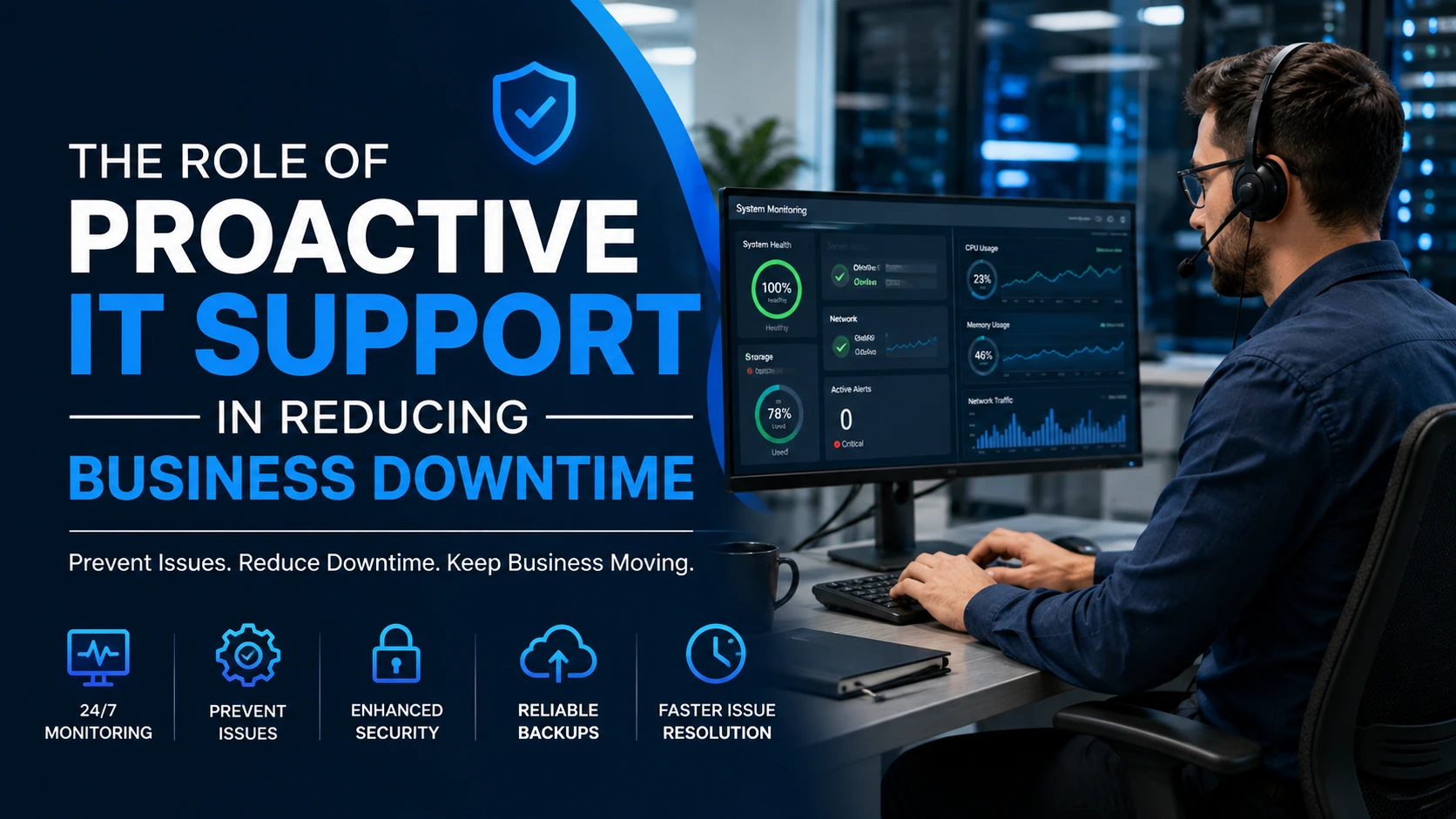
Business downtime can be frustrating and costly. When computers stop working, software fails, or employees lose access to important systems, even a short interruption can affect productivity and customer service. While some technical problems can’t be avoided, businesses can take steps to reduce how often they happen and how long they last. Proactive IT support focuses on finding and addressing potential problems before they turn into major disruptions.
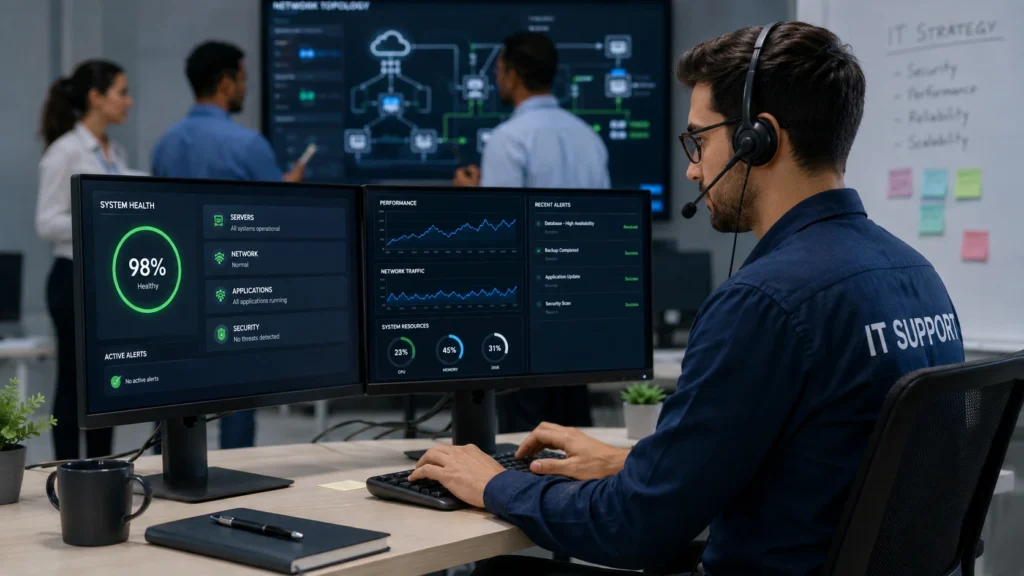
Many businesses use fully managed IT services to keep their technology monitored, maintained, and supported on an ongoing basis. Instead of waiting for employees to report problems, IT professionals can watch systems for warning signs and take action early. That can help businesses maintain more reliable technology while allowing employees to focus on their regular responsibilities.
Identifying Problems Before They Become Disruptions
One of the main benefits of proactive IT support is early problem detection. Computers, servers, networks, and other systems can show signs of trouble before they stop working completely. Slow performance, unusual network activity, storage issues, and outdated software may all indicate a larger problem. Regular monitoring allows IT teams to investigate these warning signs and address them before they cause significant downtime. Fixing a small issue early is often easier and less disruptive than trying to recover from a major system failure.
Keeping Software and Systems Updated
Outdated software can create both performance and security problems. Operating systems, applications, and security tools often require regular updates to fix bugs, improve performance, and address known vulnerabilities. Proactive IT support can help businesses keep these updates organized and current. Scheduled maintenance can also reduce the chances that an important update will unexpectedly cause interruptions during a busy workday. Keeping systems maintained and updated leads to greater reliability.
Protecting Against Security Threats
Cybersecurity problems can bring business operations to a sudden stop. Malware, ransomware, compromised accounts, and other threats can prevent employees from accessing files and systems or require extensive recovery efforts. Proactive support can include security monitoring, software updates, backups, and other protective measures. These practices don’t eliminate every threat, but they can make it harder for attackers to cause disruptions and often improve a business’s ability to recover if an incident occurs.
Maintaining Reliable Backups
A good backup strategy is another important part of reducing downtime. Hardware failures, accidental deletions, cyberattacks, and other unexpected events can result in lost or inaccessible data. Regular backups give businesses a way to restore important information when something goes wrong. Proactive IT teams can monitor backups to make sure they’re running properly rather than assuming data is being protected without checking.
Reducing the Impact of Technical Problems
Even with careful maintenance, technical problems will sometimes occur. The difference is how quickly a business can respond when they do. Proactive IT support gives companies a better understanding of their systems and can help identify the cause of a problem more quickly. Faster troubleshooting can reduce the amount of time employees spend waiting for systems to come back online. It can also prevent a small, isolated technical issue from spreading and affecting additional devices or departments.
Building a More Reliable Business
Downtime isn’t always avoidable. Businesses can take practical steps to limit its effects, though. Proactive IT support combines regular monitoring, maintenance, security, backups, and timely troubleshooting to create greater stability and reliability.
Rather than waiting for a serious problem to cause interruptions, businesses can address potential issues while they’re still manageable. Over time, this approach can help reduce unnecessary downtime, maintain productivity, and improve security. It can also give employees confidence that the technology they depend on will be available when they need it.